Khazaf Toolsأدوات خزف

Show shoppers how much more they need for free shipping.

A free plugin for WooCommerce® stores, the companion to Khazaf Store. Six blocks: free-shipping progress, a delivery promise, a WhatsApp button, business details, a sticky add-to-cart bar and a dark mode toggle. Three options: the new riyal symbol, Arabic search and discounts on products with options. Built for block themes, and tested with Khazaf Store and Twenty Twenty-Five.

v1.1.028 November 2026Blocks plugin

StatusVersion 1.1.0 is available from GitHub, and coming soon to the WordPress.org directory.

Your cart2 items
Gold-rimmed finjan set145ر.س
Khawlani coffee, 250 g40ر.س

Add 115 ر.س to get free shipping.

Delivery in 1–3 business days in Riyadh, Jeddah and Dammam.

Total185ر.س
Checkout

Commercial registration 1010000000VAT number 300000000000003

At the bottom of a product page on a phone

Gold-rimmed finjan set145ر.س
Add to cart

In the site footer

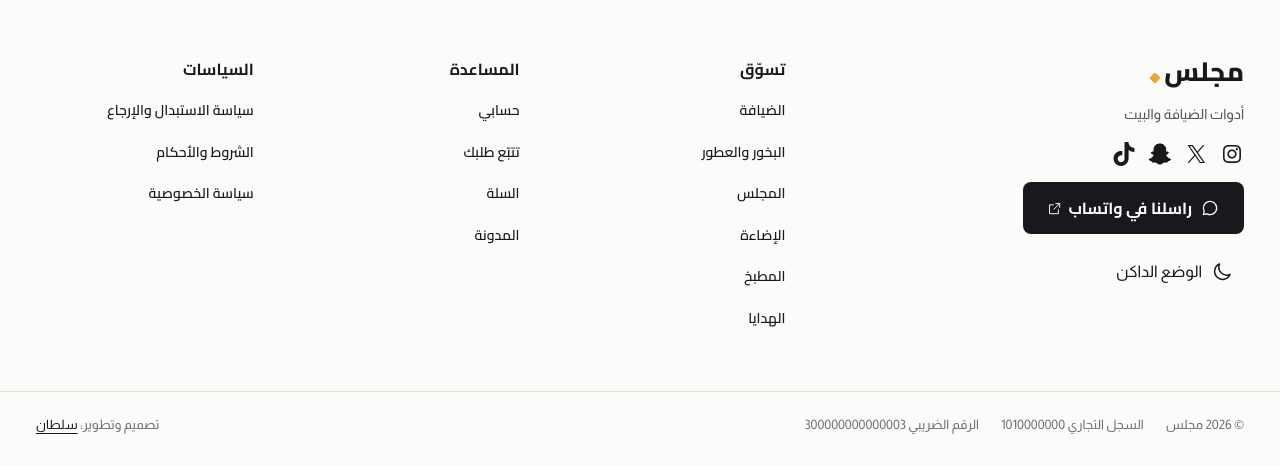
Chat on WhatsAppDark mode

Drawings of the blocks with demo data from the “Majlis” store; screenshots are in “In the demo store”.

Version
1.1.0
Status
Available from GitHub, coming to the directory
WordPress
7.1 or later
WooCommerce
11.3 or later, required
PHP
7.4 or later
License
GPLv2 or later

Six blocks

Add them in the Site Editor wherever you like; they take their colors and type from your theme.

Add 115 ر.س to get free shipping.

Free Shipping Progress

What it shows

  • How much the shopper has left to reach free shipping, from the minimum of the “Free shipping” method in their WooCommerce shipping zone; when the zone has more than one, the closest.
  • A message that the order qualifies once WooCommerce offers free shipping, including through a coupon the shopper entered.
  • Progress, updated when the cart changes, in the mini-cart, cart and checkout.

When it hides

  • When the shopper’s shipping zone has no “Free shipping” method with a minimum order amount, when the cart needs no shipping, or when shipping is free with no condition.
  • When the bar cannot update after the cart or address changes.
Delivery in 1–3 business days in Riyadh, Jeddah and Dammam.

Delivery Promise

What it shows

  • What you write about delivery or pickup times, with an optional icon.

When it hides

  • By default, on the page of an out-of-stock or backordered product, and of a product with options once none of its options is in stock. You can turn this off in the block settings.
Chat on WhatsApp

WhatsApp Button

What it shows

  • A link that opens a chat with your store’s number on wa.me for the shopper, with an optional first message you write for them, its line breaks kept.
  • A correct link for your number even when you type it with Arabic-Indic digits, in the local form of your store’s country starting with 0 (05…) or without it (5…), or with a zero after the country code. The editor shows the number the button opens.
  • A notice before the visitor presses it, if the link opens a new tab.

When it hides

  • Until you enter your number in the block settings.

Commercial registration 1010000000VAT number 300000000000003Verify this business

Business Details

What it shows

  • Your commercial registration and VAT numbers as you type them, and a verification link if you add one.

When it hides

  • Until you enter at least one number, so the verification link doesn’t show on its own.
Gold-rimmed finjan set145ر.س
Add to cart

Sticky Add to Cart

What it shows

  • The price and the Add to cart button at the bottom of a phone screen, while the page’s own button is out of view.
  • The price as the page shows it, and a button that works through the page’s own form, so quantities and notices work as usual.
  • For a product with options: a “Select options” button that takes the shopper to the options on the page, and becomes “Add to cart” once the options chosen can be bought.

When it hides

  • For out-of-stock, grouped and external products.
Dark mode

Dark Mode Toggle

What it shows

  • A button that shows the site to the visitor in your theme’s dark style variation, and remembers their choice in their browser. Put it in the header or footer, and the choice holds on every page.

When it hides

  • When your theme has no dark variation, or the site is already dark.

Numbers in the drawings are demo data from the “Majlis” store.

In the demo store

The six blocks in the “Majlis” demo store with Khazaf Store, as its shoppers see them.

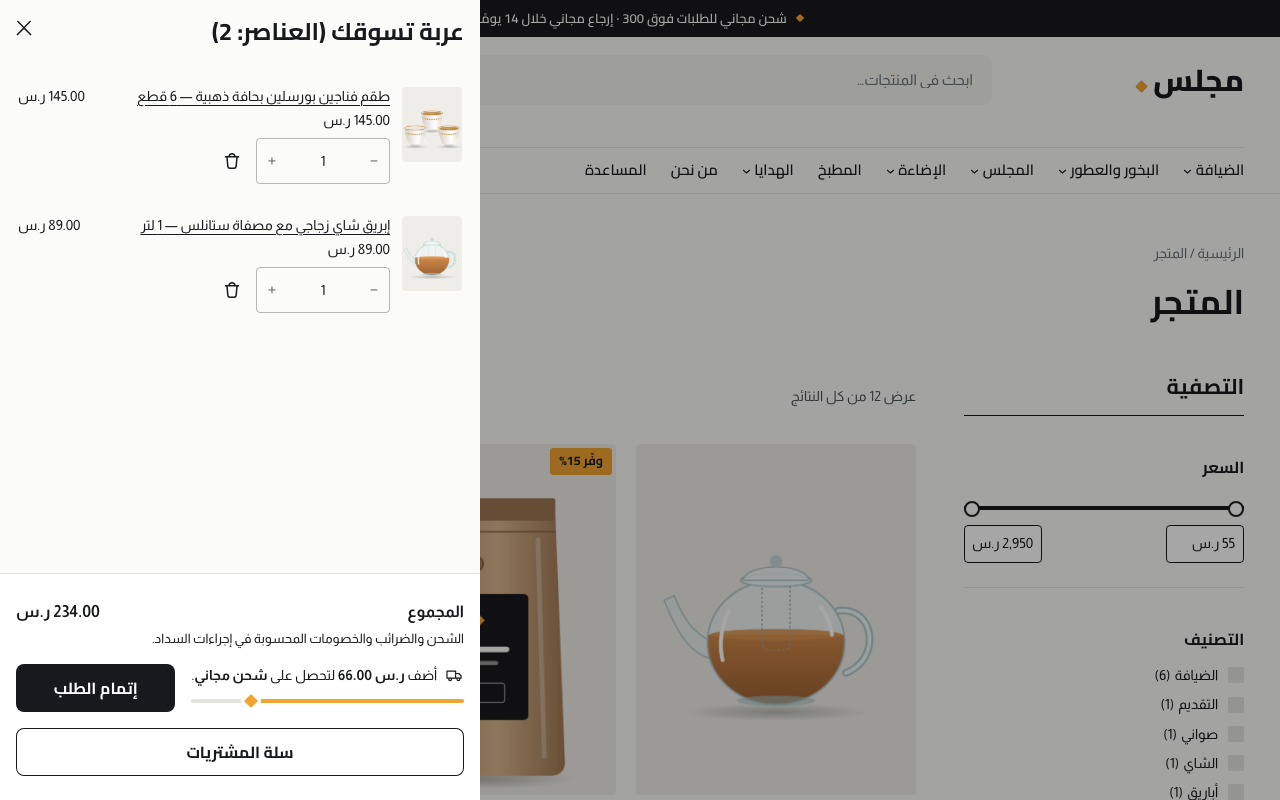
  • Free Shipping Progress in the mini-cart, read from the shipping settings themselves.

    1. Free Shipping Progress in the mini-cart, read from the shipping settings themselves.

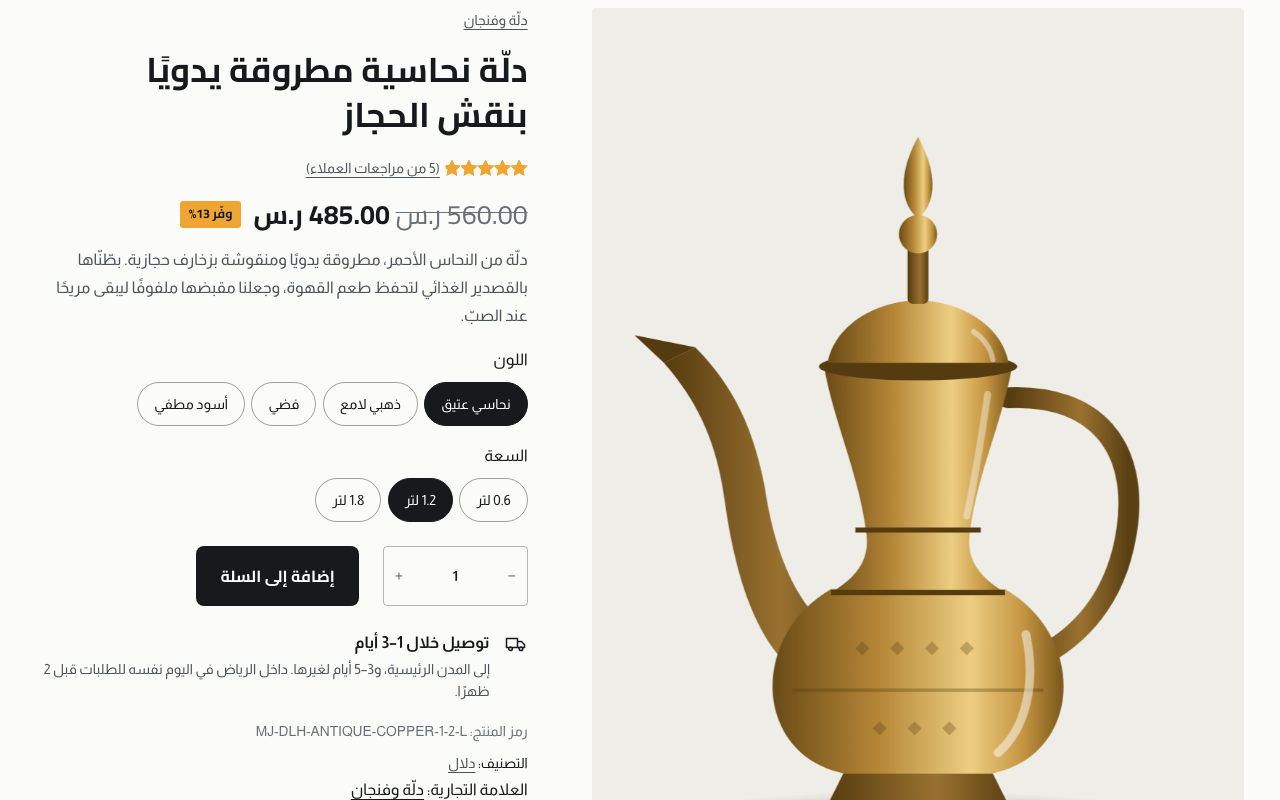
  • Delivery Promise under the Add to cart button on a product page.

    2. Delivery Promise under the Add to cart button on a product page.

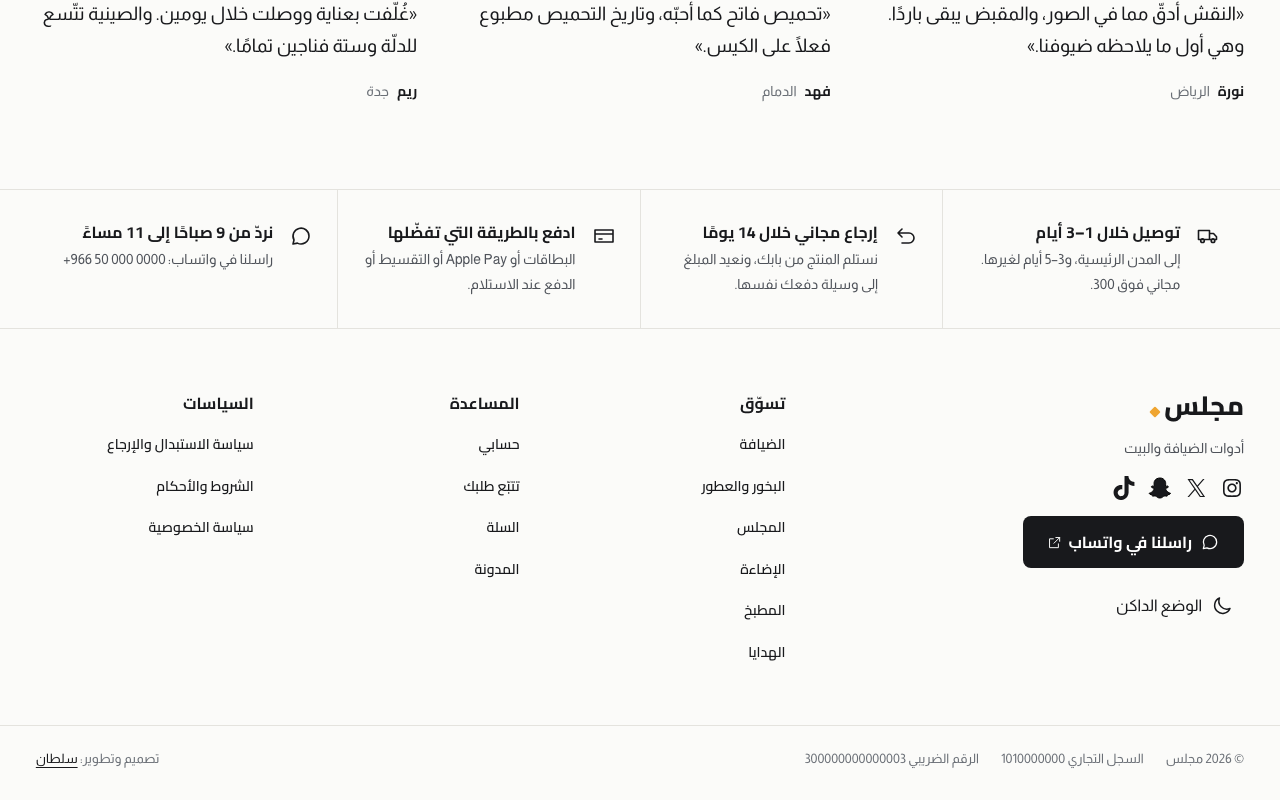
  • WhatsApp Button in the site footer, a link to wa.me.

    3. WhatsApp Button in the site footer, a link to wa.me.

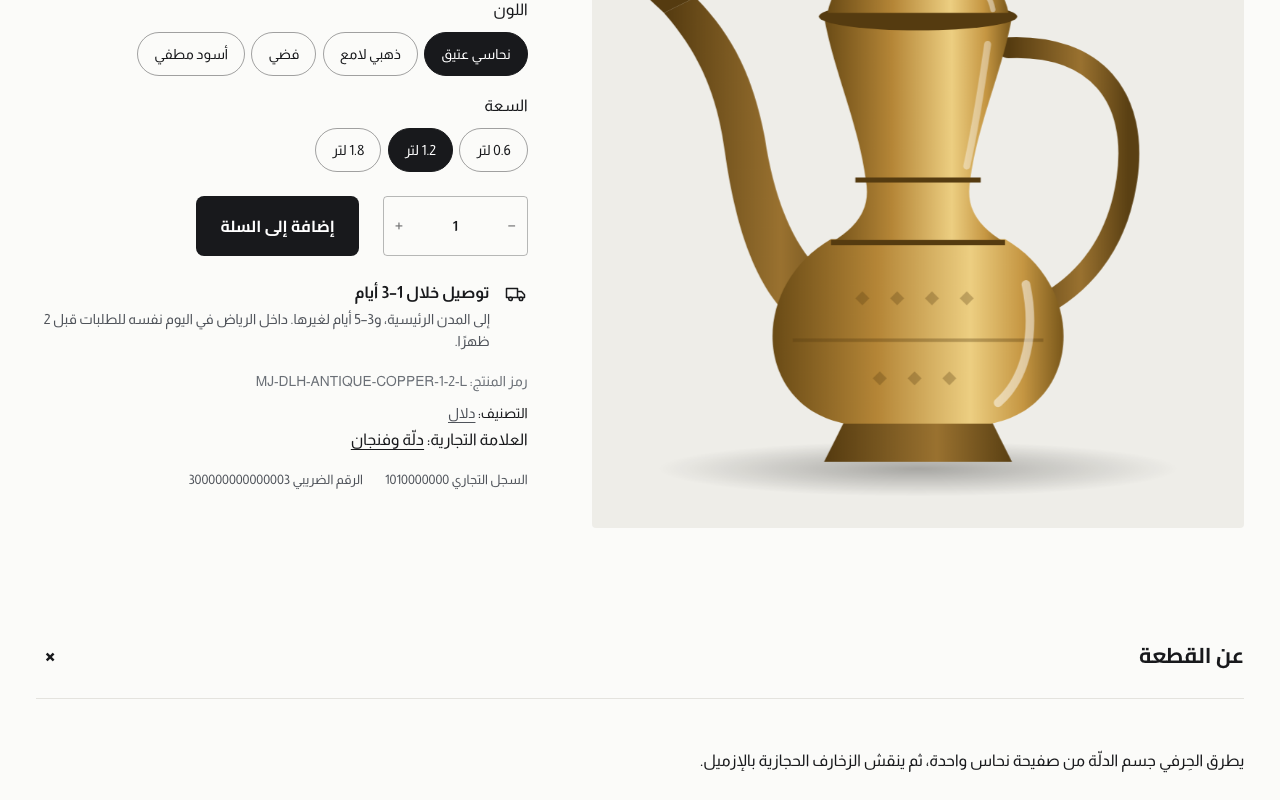
  • Business Details with the commercial registration and VAT numbers after the product details.

    4. Business Details with the commercial registration and VAT numbers after the product details.

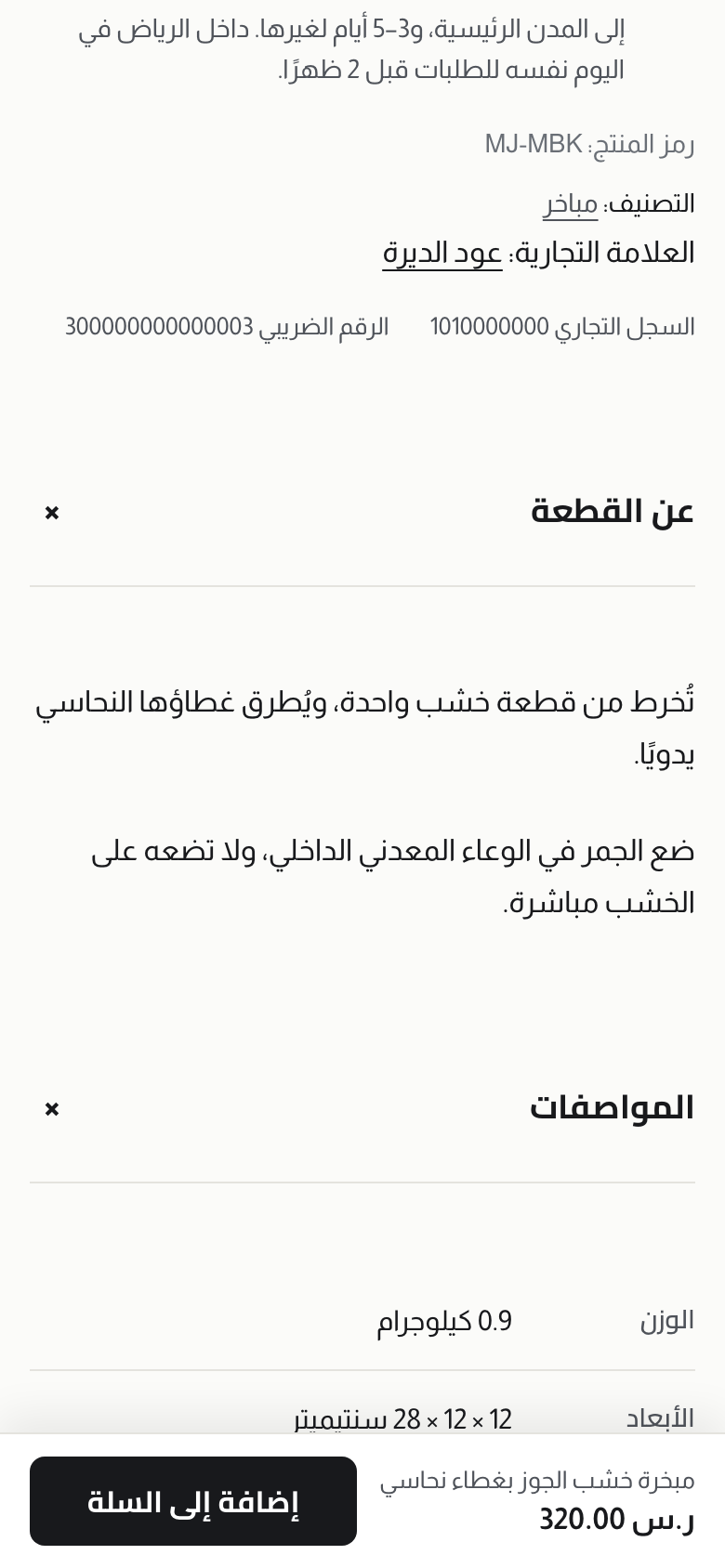
  • Sticky Add to Cart at the bottom of a phone screen.

    5. Sticky Add to Cart at the bottom of a phone screen.

  • Dark Mode Toggle in the site footer.

    6. Dark Mode Toggle in the site footer.

Screenshots from 26 November 2026. Store data is for demonstration, and product images are line drawings from the Khazaf design.

The new riyal symbol

An option under WooCommerce → Settings → General: when you turn it on, it puts the new symbol in place of “ر.س” in your storefront’s prices, to the left of the number with a space, as the Saudi Central Bank’s guideline asks. Screen readers announce “riyal” in product prices; in the cart and checkout they get the character itself.

The U+20C1 character as your device’s font draws it.

The character was added in Unicode 17 (September 2025), so older devices may show an empty box in its place. Turn it on when you know your shoppers’ devices show it.

It shows in

  • Shop and product prices.
  • The mini-cart, cart and checkout.
  • The order confirmation.

It doesn’t show in

  • Emails, which keep the WooCommerce symbol.
  • The dashboard, the REST API (wc/v3) and background tasks, which keep the WooCommerce symbol.

Beyond the blocks

Three patterns

“Shipping, delivery and help”, “Business details in the footer”, and “Business details and dark mode” put the blocks where they belong.

Arabic search

An option that lets a shopper who types «دلة» find «دلّة»: it ignores diacritics and the tatweel, and treats the alef forms, yeh and alef maqsura, and teh marbuta and heh as one. It covers products, posts and pages.

Discounts on products with options

An option for products with options: when it is on and the cheapest option that can be bought is discounted, the product shows “From” and that option’s price, with its regular price struck through, instead of the price range. The sale badge percentage is worked out from the same option.

For block themes

Built for block themes, and tested with Khazaf Store and Twenty Twenty-Five; it takes its colors and type from the active theme.

Three options you turn on

The riyal symbol, Arabic search and discounts on products with options: checkboxes in the WooCommerce settings that stay off until you turn them on, and are removed with the plugin when you delete it.

Keyboard and screen readers

Its buttons and links are reached with the keyboard, and the shipping bar announces changes to screen readers without interrupting them.

Safe to deactivate

Its blocks render on the server, so deactivating it removes them from your storefront without errors.

Installation

  1. Install and activate WooCommerce.
  2. Download khazaf-tools.zip with the “Download from GitHub” button at the top of this page.
  3. In your WordPress dashboard: Plugins → Add Plugin → Upload Plugin, then choose the file, press “Install Now”, then “Activate Plugin”.
  4. Under Appearance → Editor, add the blocks where you want them, or insert one of the three patterns.
  5. For the riyal symbol: WooCommerce → Settings → General, then “Saudi riyal symbol”.
  6. For Arabic search and discounts on products with options: WooCommerce → Settings → Products.

Once it is accepted into the directory, you install and update it from your site’s dashboard.

Requirements

WordPress
7.1 or later
WooCommerce
11.3 or later; the plugin requires it
PHP
7.4 or later
Theme
Built for block themes, and tested with Khazaf Store and Twenty Twenty-Five

Need a plugin for your store?

I build the feature your store is missing as a separate plugin that works with your theme. The WordPress code I deliver is licensed GPLv2 or later.

Request a custom design